How to Apply
Apply Online
- Apply online by visiting the Buffalo City College Online Application Portal .
- You may also visit any campus to book an online application session.
- Apply for NSFAS funding or search for other available bursaries.
- Use your smartphone, tablet, or computer to apply using the Student i-Enabler with your PIN and student number.
- Apply for admission for both the current level and the next level.
- Upload all required documents and pay the necessary fees.
FAQs
1. How do I apply?
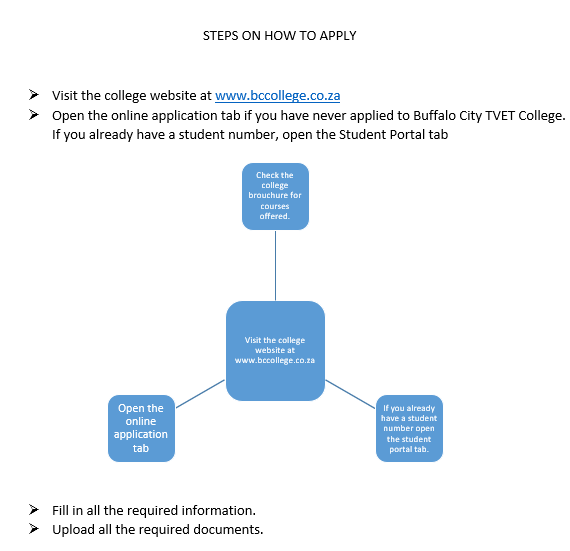
Visit www.bccollege.co.za, click on the Online Applications tab, and follow the instructions provided.
2. How can I access my student portal?
Click on the Student Portal tab and log in using your Student Number and PIN. If you cannot remember your login details, please contact or visit your nearest campus for assistance.
3. Does the college support students with disabilities?
Yes. Inclusivity is one of the college's core values. The college is committed to ensuring equal access to services and opportunities for all students.